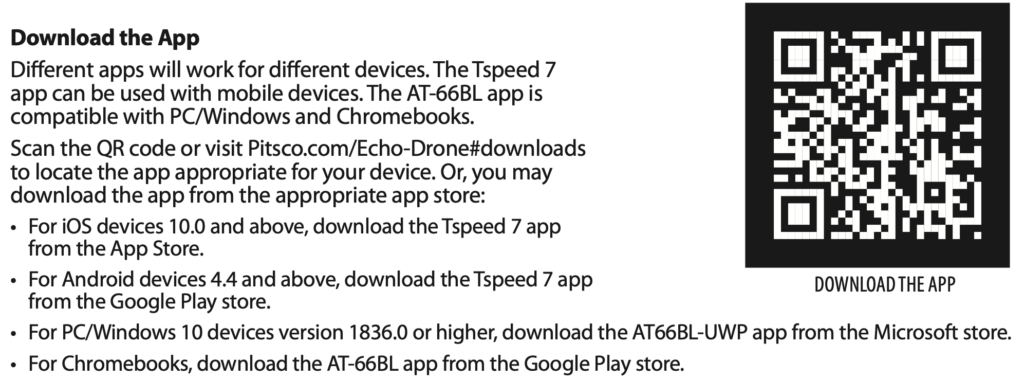
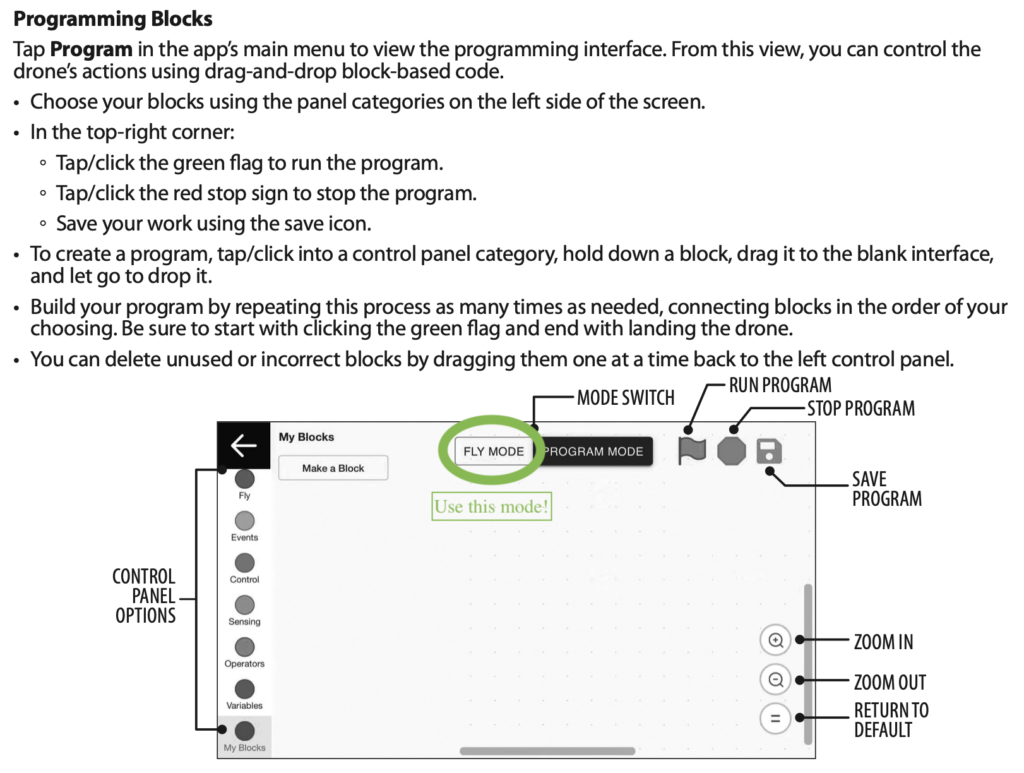
Welcome, drone pilots and coders! Your mission is to use block coding at https://echo.pitsco.com to program your Apex drone to fly a pattern. You’ll begin with a basic “square-shaped” flight and move on to more complex designs using loops and functions.
Steps to connecting to Echo.Pitsco.com 1) Open the echo.pitsco.com website 2) Turn on the drone 3) Select the drone wifi 3) look for a pop-up box in your browser like the image below (you may need to change permissions on your browser) 4) Select your drone in the pop-up, click “Pair”
🎯 Mission Brief
Part 1: Start by coding your drone to fly:
Square pattern
L-Shape pattern
Square pattern using Loops in the code
Then, challenge yourself with more advanced patterns! How about a zigzag pattern?
(Tip: If your drone doesn’t spin exactly 90°, try adjusting time or speed on the spin block.)
Trouble shooting: If you cannot connect your drone to echo.pitsco.com link scan the QR code below for an alternative way to connect your drone.
Part 2:
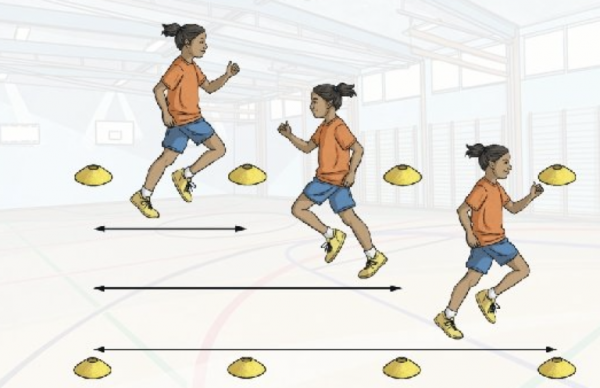
Write and implement a code that commands your drone to take off and fly forward and return 3 times. Each time your drone must increase its flight distance by an increment of 12 inches.
Part 3:
This activity challenges you to be the architect of your drone’s flight! Using your drone and the Echo programming environment, you will design and implement a unique flight path to achieve a specific goal. This is your chance to think creatively and apply what you’ve learned about drone commands to solve a real-world inspired problem.
Part 4: Share!
Take a picture of your code or a video of your drone flying the programmed flight and post it on the Padlet below.