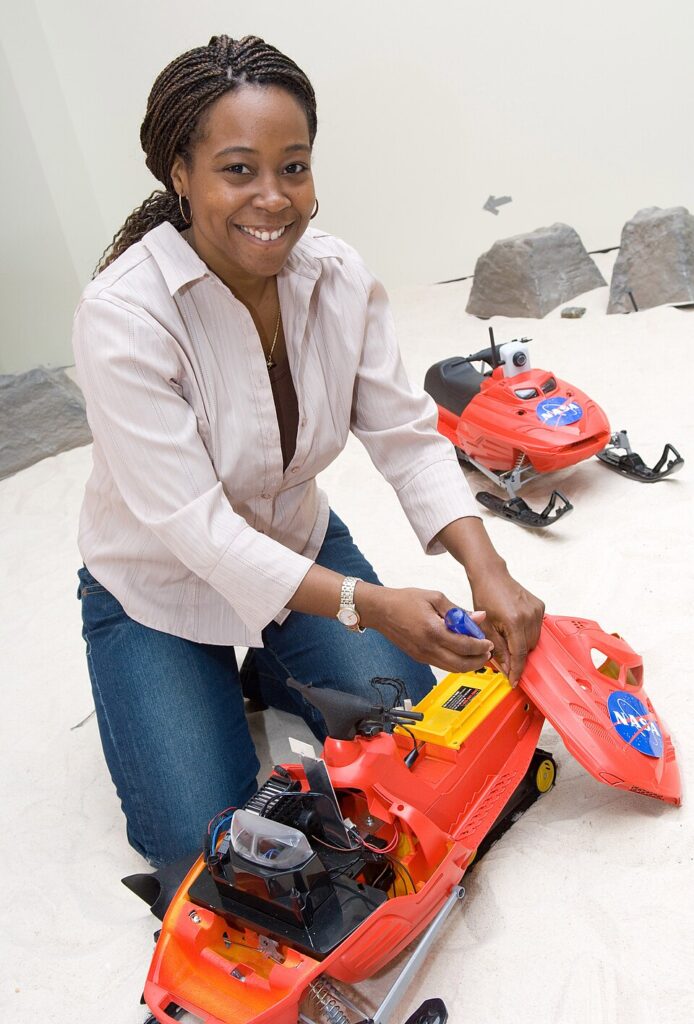
The Highlight: Dr. Howard is a world-class roboticist who worked at NASA’s Jet Propulsion Laboratory. She developed SmartNav, the software that helps Mars rovers move autonomously, and SnoMotes—specialized robots designed to explore the freezing, dangerous glaciers of Antarctica. She is a pioneer in “Human-Robot Interaction,” teaching robots how to better assist and learn from people.
Ernest Levert
Dates: 1954 – Present
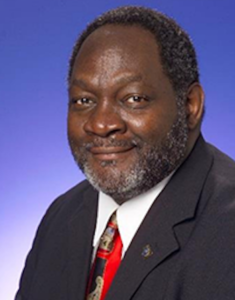
The Highlight: An aerospace engineer at Lockheed Martin, Levert is a pioneer in robotic welding technology. He developed automated systems that used robots and lasers to build high-tech equipment for the International Space Station and NASA’s Space Shuttles. His work proved that robots can do precise, heavy-duty construction that would be impossible for humans to do by hand.
Lonnie Johnson
Dates: 1949 – Present
The Highlight: Though famous for inventing the Super Soaker, Johnson is a brilliant aerospace and robotics engineer. In high school, he built a remote-controlled robot named Linex from junkyard scraps! He spent much of his career at NASA working on the Galileo mission to Jupiter and the Cassini mission to Saturn, where he designed the power systems that kept those robotic explorers running in deep space.
Dr. Gladys West
Dates: 1930 – 2026
The Highlight: A mathematician and engineer whose work is inside almost every robot today. She did the complex math and programming that created the foundation for GPS (Global Positioning System). When you program a Sphero to move to a specific coordinate or follow a path, you are using the technology that Dr. West helped invent.