Vote on your favorite team name and mascot with your instructor!
Mario Kart Introduction
Mario Kart 8 Deluxe is a family-friendly racer game with characters you know and love like Mario, Luigi, Peach, Bowser, Yoshi, and more.
Controls
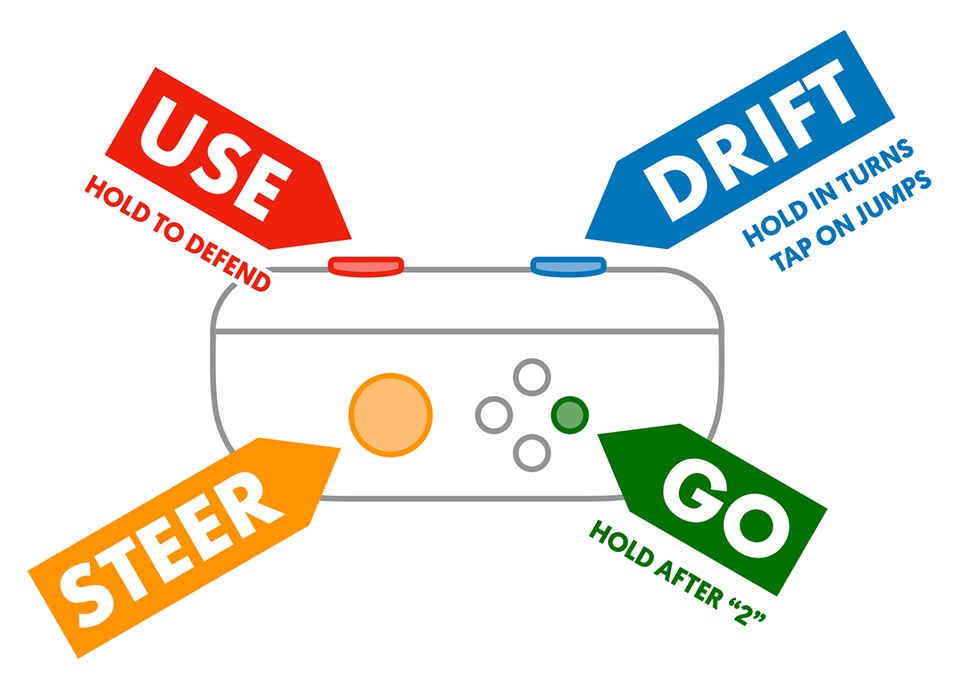
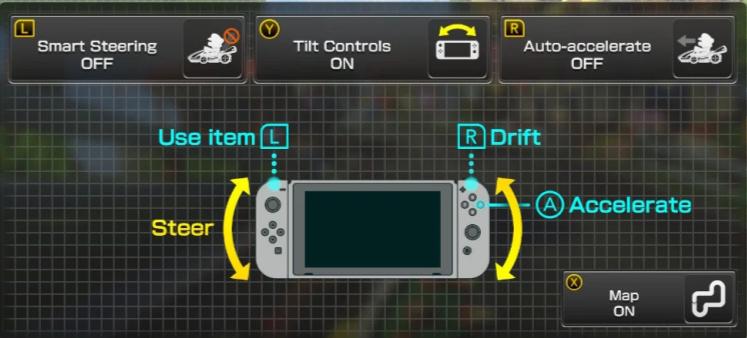
Image from Reddit User: TerminalVeracity
Smart Steering: Helps stay on the path so you don’t fall off the edge.
Tilt Controls: Steer your vehicle by tilting the controller.
Auto-Acceleration: Your vehicle accelerates automatically without pressing the “a” button.
Playing Menu
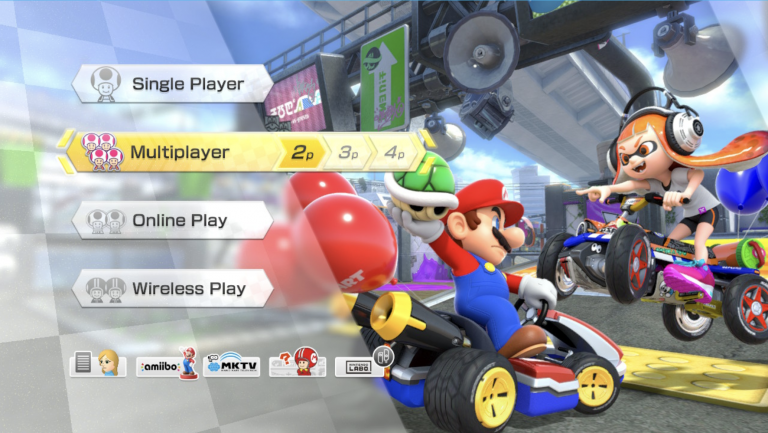
Playing Mode
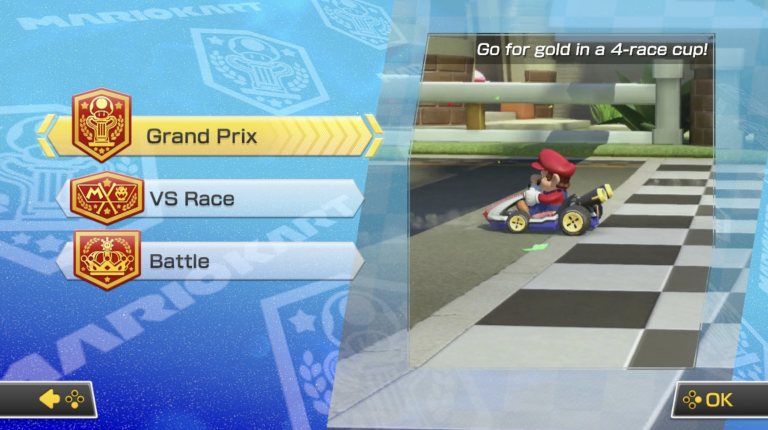
On this screen, you can pick your playing mode. For Esports, we will always play in multiplayer mode when playing with our team.
Race Type
There are three different race types that you can pick from.
Grand Prix: Players race against CPU’s and players race on four different tracks.
VS Race: Players play against one another with their own set of rules.
Battle: Players play with five balloons and try to pop the balloons of their opponents.
Engine Class
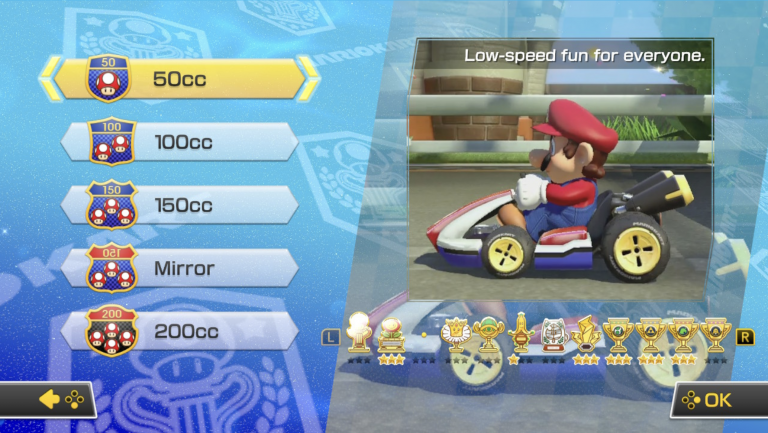
On this screen, you can pick the type of engine class you want. The lower the number, the lower the speed and the less difficult the level is.
50cc: Slow and Low-Speed
100cc: Somewhat Fast
150cc: Fast
Mirror: Reverses the courses (150cc)
200cc: Super Fast
Player Pick
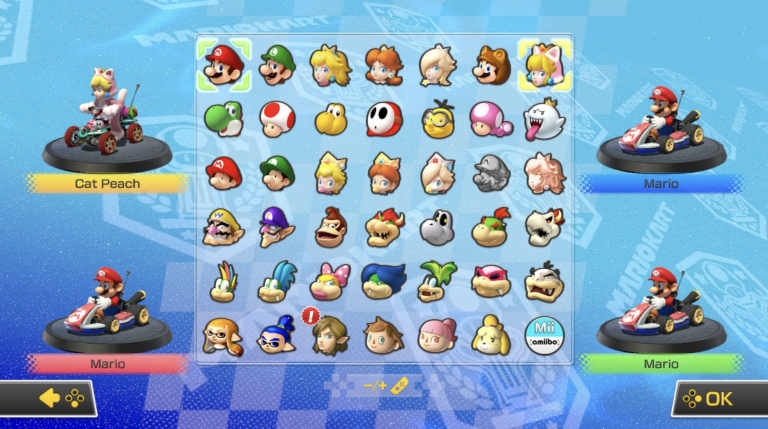
On this screen, you can pick your player for the race. You can pick whatever player you prefer.
Customize Gear
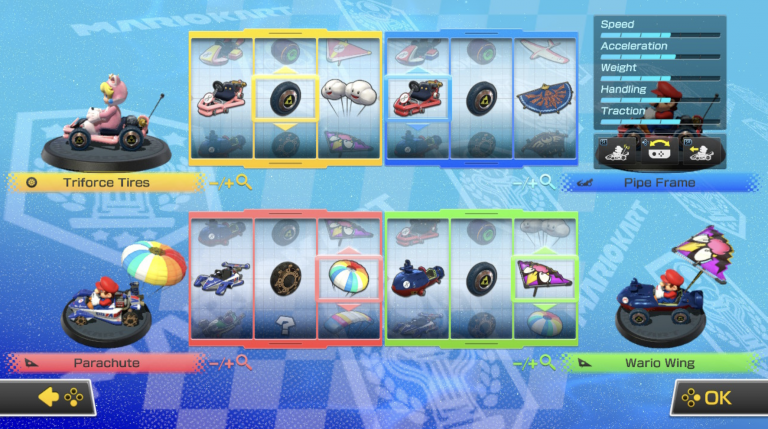
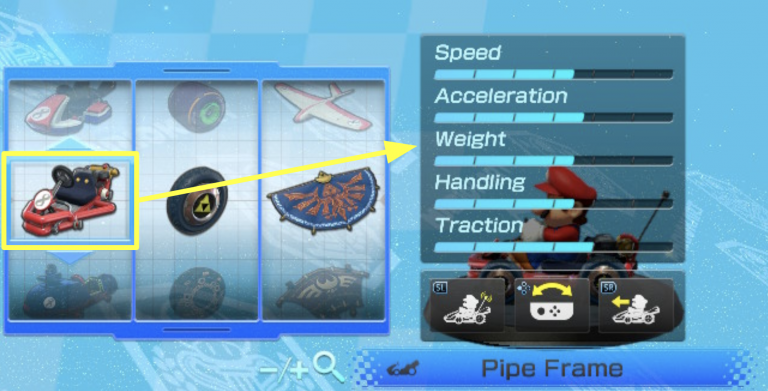
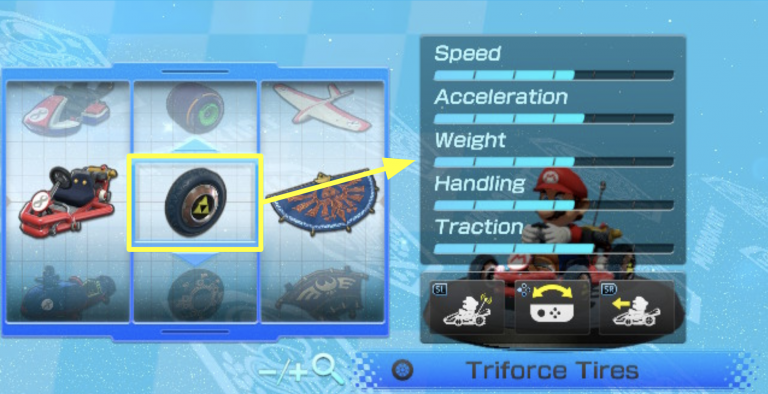
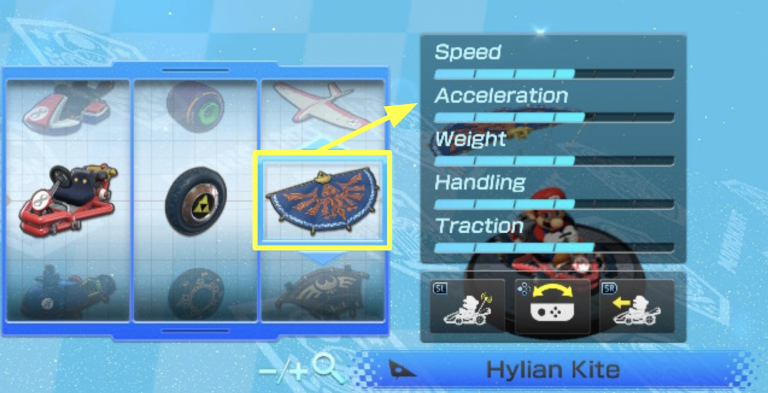
On this screen you can pick your vehicle, wheel, and glider type. Each has different speed, acceleration, weight, handling, and traction.
Speed – The maximum speed a vehicle can go.
Acceleration – How quickly a vehicle will reach its top speed.
Weight – How much your vehicle weighs. A light car will be thrown around while a heavy vehicle will not be thrown around as much.
Handling – How much a vehicle can make turns, the higher the score the better. Bikes have much better handling than karts.
Traction – How much a vehicle slides when turning.
Vehicle Information
When you click on – or + you will be able to see the vehicle information of the vehicle you have selected. You can scroll through to find which vehicle you prefer.
Wheel Information
When you click on – or + you will be able to see the wheel information of the wheel you have selected. You can scroll through to find which wheel you prefer.
Glider Information
When you click on – or + you will be able to see the glider information of the glider you have selected. You can scroll through to find which glider you prefer.
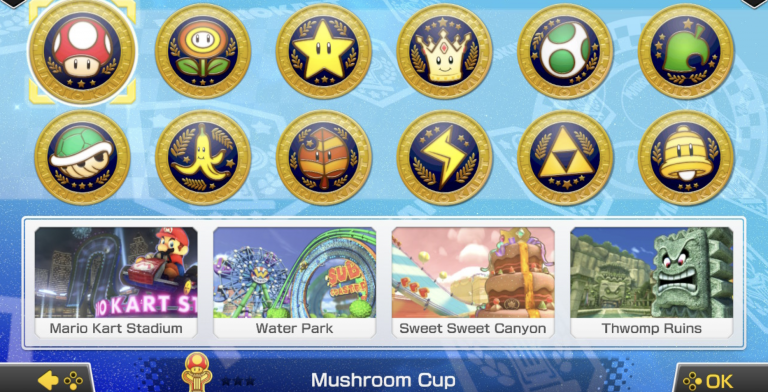
Course Choices
On this screen you can decide which course you and your teammates want to race on.
Purposeful Play
Now we will take some time to play Mario Kart 8 Deluxe!
Don’t forget about the Core Values we have learned about and practice them as you play today:
Technical Knowledge
Ethics
Sketch & Tell Exit Ticket
Sketch: A character and vehicle that you used during your purposeful play.
Tell: How you showed ethics or technical knowledge today.